

| ||
| August 27, 2001 [posted] | ||
| New Version of PubMed Central Released | ||
|
Home Page
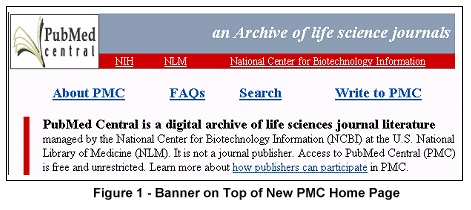
Most importantly, the home page now includes a Search feature (see Figure 2). Searching instructions are included on the home page. You can also access the Search feature via a link from all other PMC pages. 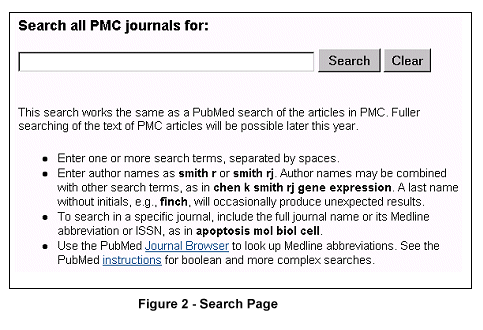
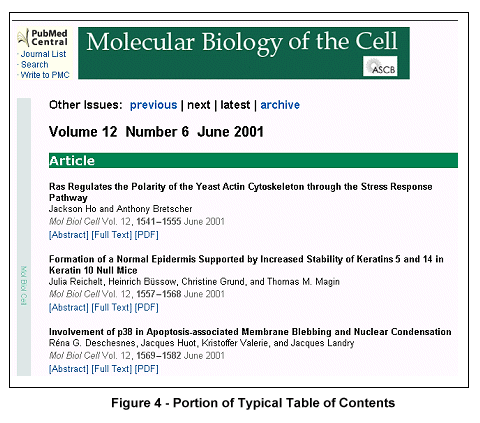
To see the table of contents (TOC) for the latest available issue of a journal, click on the journal (e.g., Molecular Biology of the Cell) in the Available Journals area on the home page (see Figure 3). The Available Journals list is accessible via the "Journal List" link on any PMC page. At both the top and bottom of the TOC, you will now find previous, next, and latest links that allow you to navigate more efficiently between the TOCs for individual issues of a journal (see Figure 4). 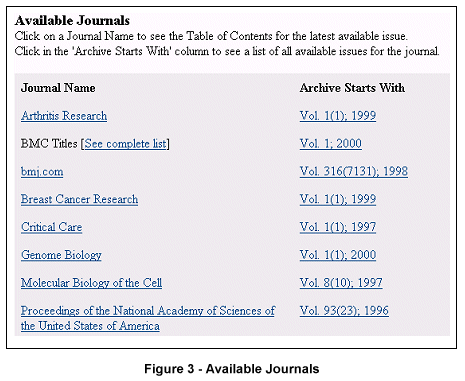
The TOC also displays two types of Correction links. The first, found under the citation for an article citation that has been corrected, goes directly to the correction that appears in a later issue (see Figure 5). 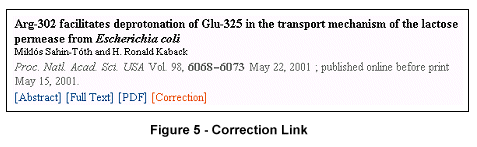
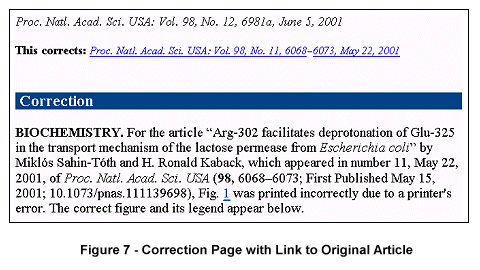
The other type of Correction link you will find on TOC pages links to a correction for an article published in an earlier issue. This type of Correction link appears at the bottom of the TOC pages along with a link to the Original Article that has been corrected (see Figure 6). Note that the original articles and corrections are cross-linked for easy comparison (see Figure 7). 
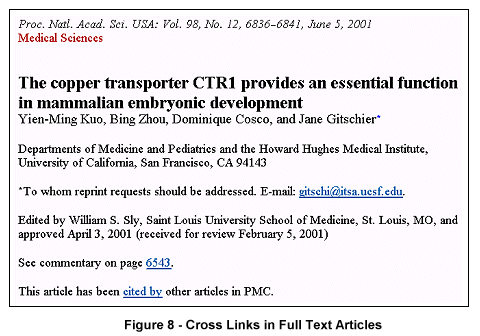
The TOC pages, as well as the full text articles, now have URLs that can be bookmarked. Full Text ArticlesAs shown in Figure 4, there are links to full text articles on a journal issue's TOC page. When viewing a full text article, you may notice the addition of cross-links between Commentary and Companion Articles, and a new Cited By link for articles that have been cited by other PMC articles (see Figure 8).

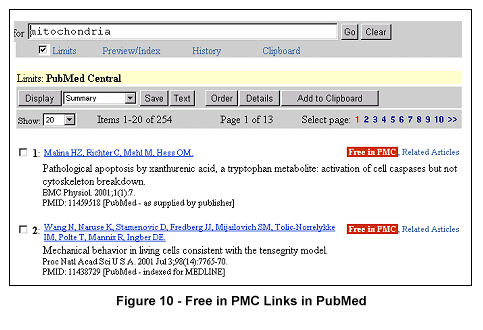
Links to full text articles in PMC are also available from PubMed. To search PubMed and limit to PMC full text articles:
As the content of PMC continues to grow, new features will be added. Full text searching of PMC articles will be possible by the end of the year. An option of allowing publishers to display full text articles directly from a journal's site will soon be implemented. Other plans include the addition of links from PMC articles to other NCBI databases such as GenBank and Online Mendelian Inheritance in Man (OMIM). For on-going information on changes to the PMC site, you may subscribe to PMC's mailing list at http://www.ncbi.nlm.nih.gov/mailman/listinfo/pmc-news.
By Marla Fogelman 
Fogelman, M. New Version of PubMed Central Released. NLM Tech Bull. 2001 Jul-Aug;(321):e8. | ||
 new version of