

Table of Contents: 2013 JANUARY–FEBRUARY No. 390
Canese K. PubMed History and Search Bar Updates. NLM Tech Bull. 2013 Jan-Feb;(390):e1.
[Editor's note: These changes were implemented in PubMed on February 6, 2013.]
A Download history link will be added to the PubMed, MeSH and NLM Catalog Advanced page History feature (see Figure 1).
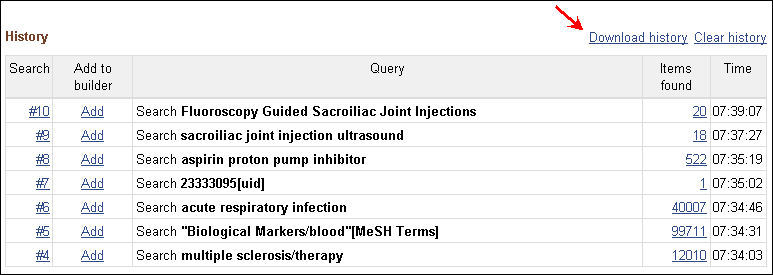
Click the "Download history" link to generate your History entries in the file "history.csv." Please note that Microsoft® Excel® is typically unable to display or print more than a maximum of 1024 characters in a cell; therefore, users with long queries may want to open the CSV file with a text editor to display the complete searches.
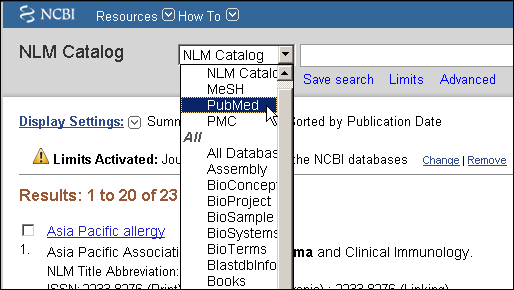
The search bar will be updated to list up to the last four databases searched at the top of the pull-down database menu (see Figure 2). The alphabetic list with all the databases will also include the recently searched databases.
By
Kathi Canese
National Center for Biotechnology Information


